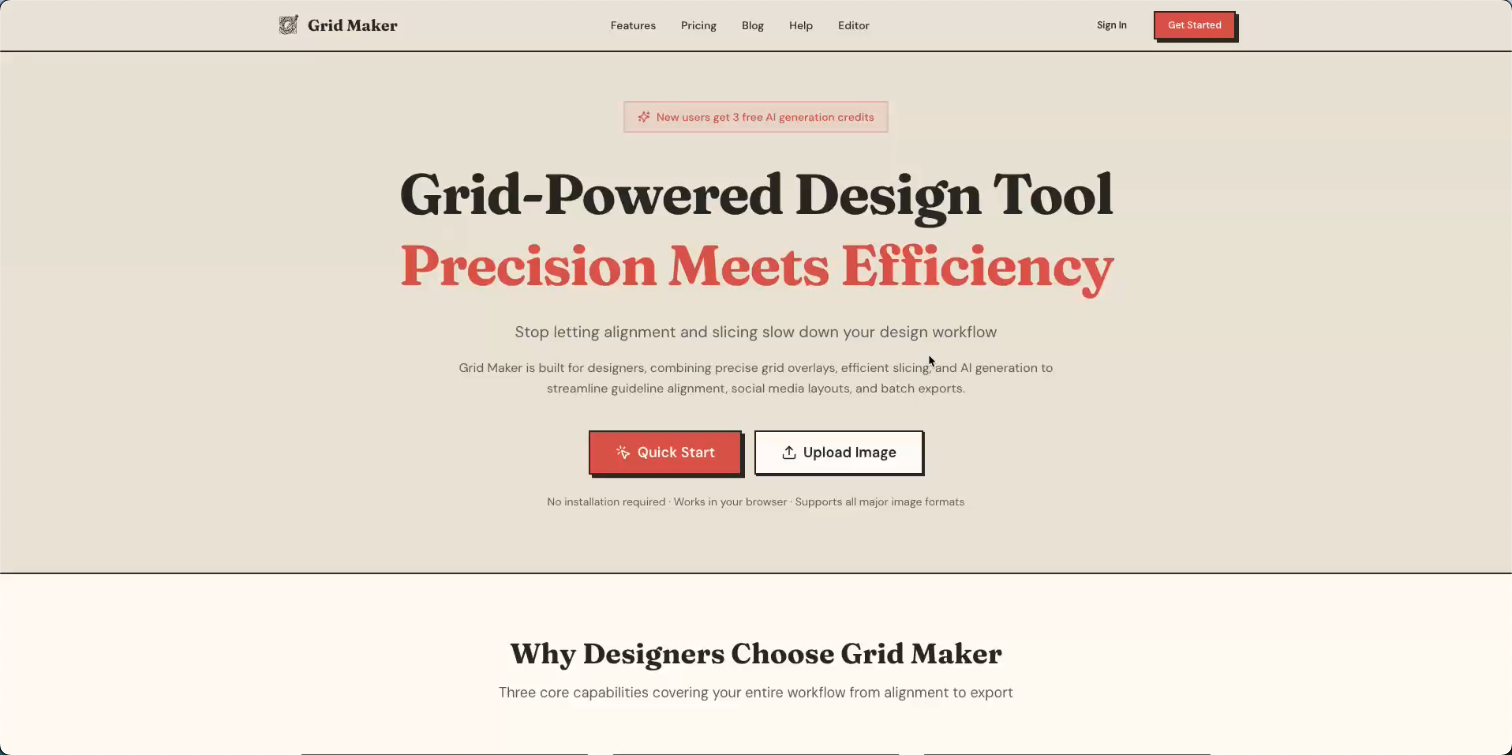
Grid-Powered Design Tool
Precision Meets Efficiency
Stop letting alignment and slicing slow down your design workflow
Grid Maker is built for designers, combining precise grid overlays, efficient slicing, and AI generation to streamline guideline alignment, social media layouts, and batch exports.
No login required · Free to use most editor features · Works in your browser
Why Designers Choose Grid Maker
Four core capabilities covering your entire workflow from alignment to export
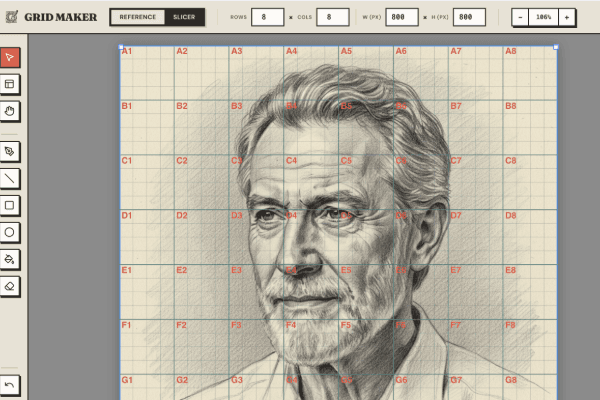
Grid-Driven, Pixel-Perfect
Customize rows, columns, spacing, stroke weight, and colors with Excel-style coordinate labels.
- Excel-style coordinate labels
- Subdivision grids
- Custom colors & opacity
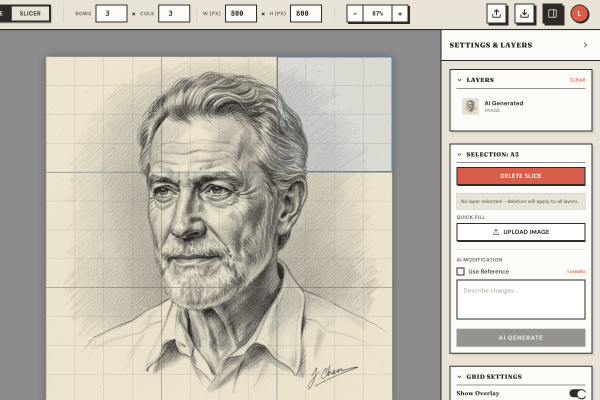
Flexible Slicing, Batch Export
Merge and split grid cells to define custom slice regions for social media layouts.
- Merge and split cells
- ZIP batch export
- Social media optimized
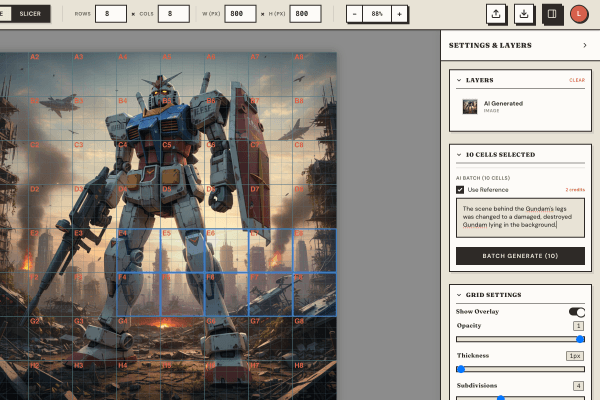
Seamless AI Integration
Generate canvas-sized images from text prompts with accurate text rendering.
- Text-to-image generation
- Cell-specific generation
- Context-aware editing
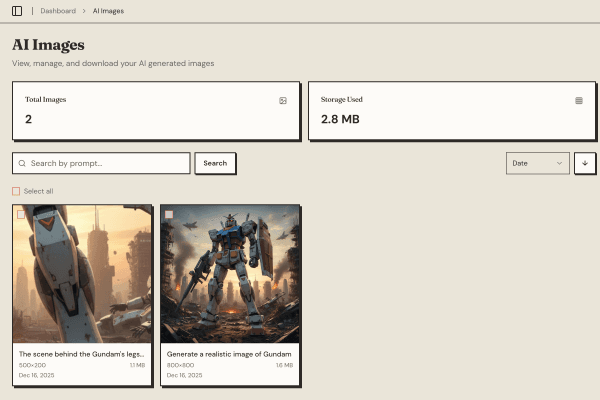
AI Image Gallery
Browse and manage all your AI-generated images in one place with cloud storage.
- Cloud-synced gallery
- Quick reuse & download
- Generation history
See It In Action
Three simple steps from upload to export — no learning curve required
Upload Your Image
Drag & drop or click to upload any image format
Configure & Edit
Add grids, slice regions, or generate with AI
Export & Share
Download as PNG or batch export as ZIP
More Powerful Features
Professional tools built for designers
Image Adjustments
Brightness, contrast, saturation, grayscale, and invert controls
Drawing Tools
Freehand, line, rectangle, circle, eraser, and fill
Layer Management
Multi-layer support with opacity, ordering, and merge
Multi-Format Export
High-quality PNG export, batch ZIP packaging
Three Plans, Choose What Fits
Free plan covers basic editing. Plus unlocks core AI features. Pro delivers the full experience.
- Unlimited grid overlays
- Basic slicing and export
- Batch ZIP export
- Image adjustment tools
- Drawing tools
- 3 AI generations (one-time trial)
- All Free features
- 30 AI generations/month
- All Plus features
- 50 AI generations/month