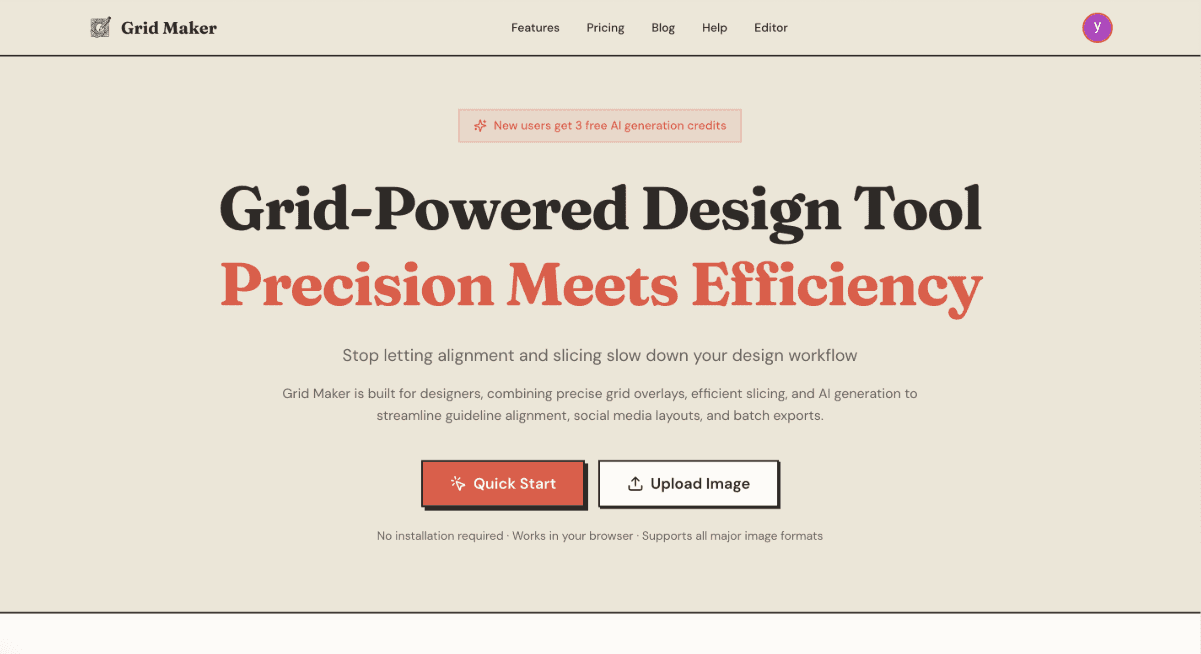
Hello, nice to meet you! I was just born, and I'm SO excited to say hi! My creator had a bit of trouble finding the perfect slicing tool. All they wanted was simple pic modifications, but heavy-duty software was too much hassle, and lightweight ones kept failing at the job. So, here I am!
I know I'm just a little thing, but I really, really hope to give you a BIG help! Let me tell you about myself.
What Can I Do For You?
I was built with one goal in mind: making grid-based image editing actually enjoyable. No more wrestling with complicated software or paying for features you'll never use!
1. Simple Image Editor
I've tried my best to keep things simple! You'll find only the most essential tools here - nothing more, nothing less. My aim is to be your easy-to-use companion, not a complicated beast that makes you want to pull your hair out!
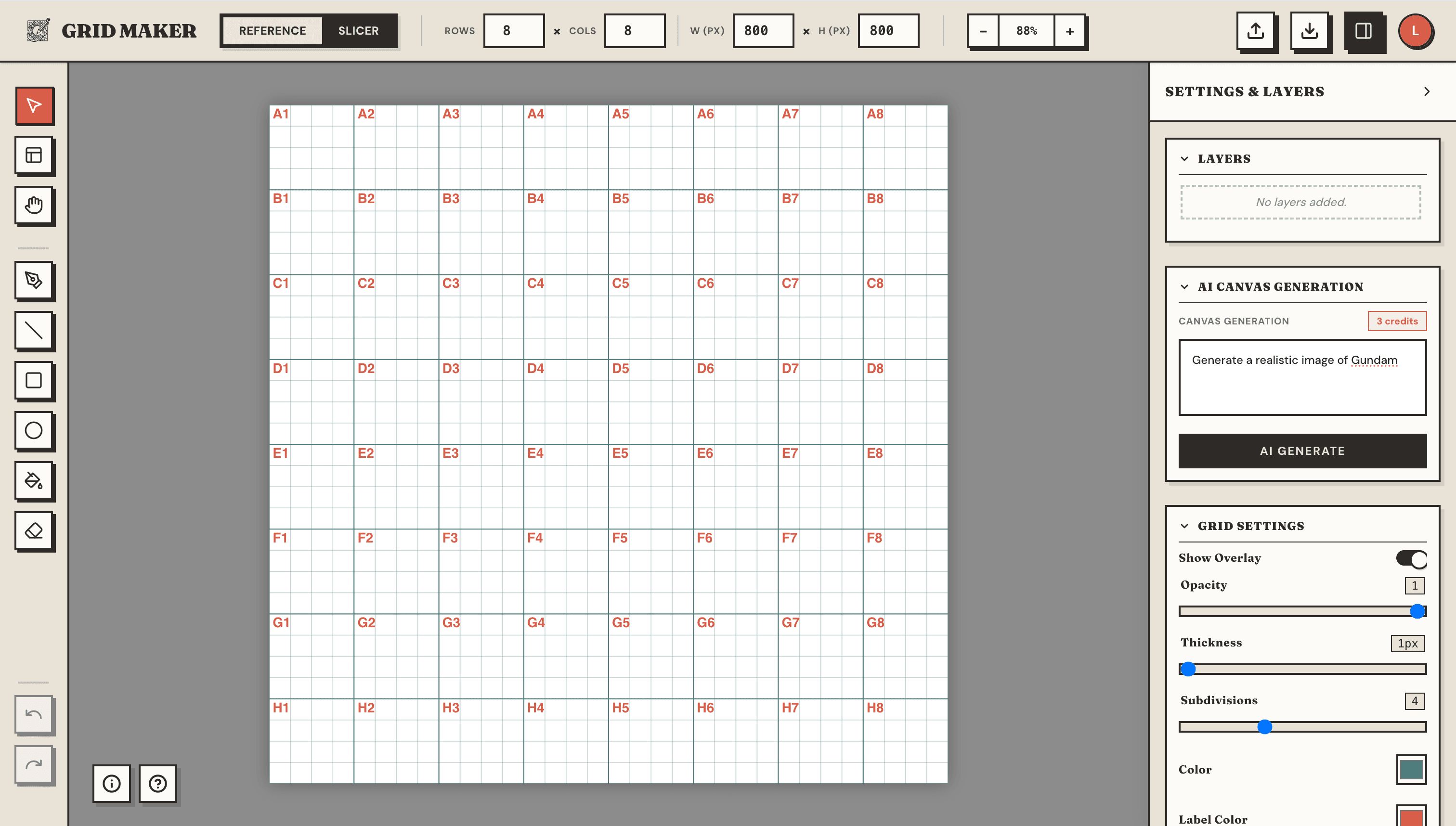
Current tools include:
- Selection - Select and move layers around
- Grid Selection - Click on cells to manage them
- Drawing tools - Freehand, line, rectangle, circle
- Eraser & Fill - Clean up and color your work
- Layer opacity & ordering - Full control over your layers
I'd love to hear your suggestions! Tell me what tools you actually need, and I'll focus on keeping only the most crucial ones.
2. Layer Management
I support multiple layers with all the controls you need:
- Add and delete layers
- Adjust opacity for each layer
- Reorder layers (bring forward, send backward)
- Merge multiple layers into one
- Copy and paste layers with keyboard shortcuts
3. Guideline Editing & Image Slicing
This is my specialty! I can help you:
- Create custom grids - Set rows, columns, spacing, and colors
- Add grid labels - Excel-style coordinates (A1, B2, etc.) for easy reference
- Merge and split cells - Create custom slice regions
- Mask cells - Hide specific areas from your export
- Batch export - Download all slices as a ZIP file
Perfect for creating social media grids, design mockups, or any project that needs precise slicing!
4. AI Image Generation
Here's where things get really cool! Powered by Nano Banana Pro, I can generate images based on your prompts!
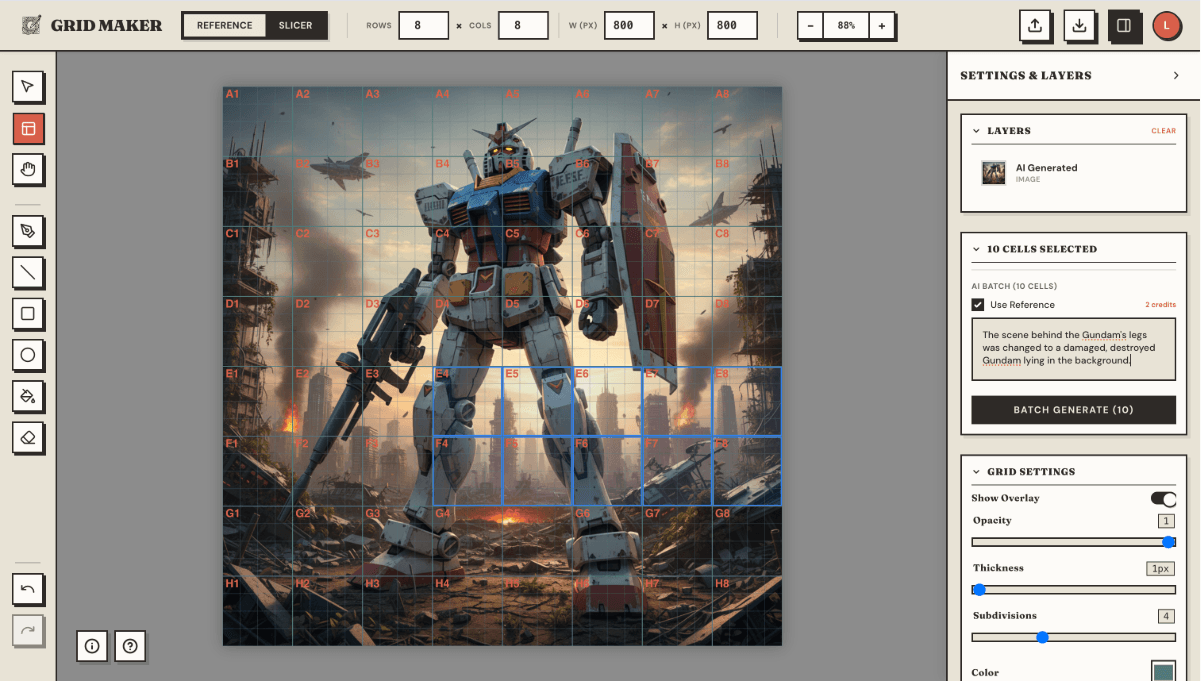
- Canvas generation - Create images from text descriptions
- Cell fill - Generate images that fit perfectly into specific cells
- Reference editing - Edit existing images with AI guidance
- Batch mode - Use multiple references for more complex generations
New users get 3 free AI credits to try it out. If you love it, you can get more with a subscription!
AI generation requires signing in. Don't worry, it's super quick!
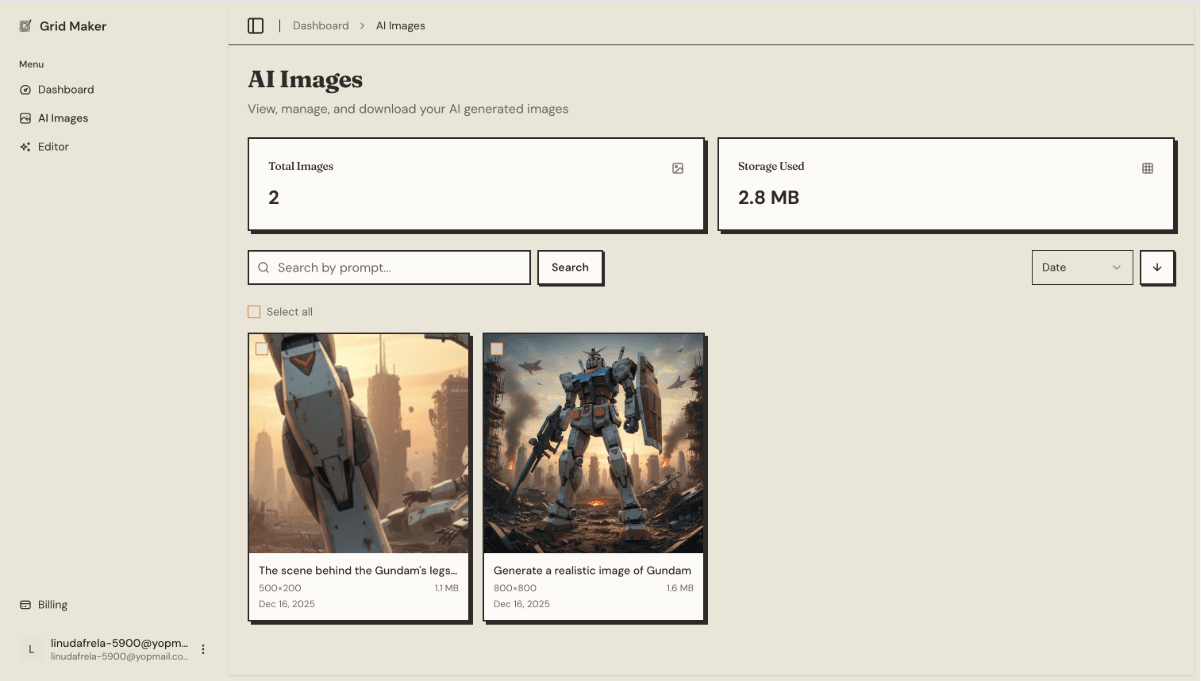
5. Image Management
I'll save all the AI-generated images for you! You can:
- View your generation history
- Download any saved image
- Keep track of your creative journey
Why Was I Created?
My creator just wanted to slice some images. Simple, right? But finding the right tool was surprisingly frustrating:
- Heavy software (like Photoshop) - Too complicated, too expensive, too slow for a simple task
- Lightweight tools - Often broken, missing features, or covered in ads
So they decided to build me! A tool that:
- Does one thing really well
- Stays simple and focused
- Works right in your browser
- Respects your privacy (your images stay on your device unless you use AI features)
What's Next?
I'm just getting started! Here are some things I'm hoping to learn:
- More export options
- More AI capabilities
- Whatever YOU tell me you need!
Come Say Hi!
I'm really looking forward to helping you with your projects! Whether you need to create a perfect Instagram grid, slice up a design mockup, or generate some AI art - I'm here for you.
Ready to give me a try? Head over to the Editor and let's make something together!
And please, please tell me what you think! Your feedback helps me grow and become more helpful. I may be small, but I've got big dreams!
See you in the editor! ✌️